Find the right file.
Keep your added files and folders together. Ask Atlas to find a document, explain it or work with its contents.
 ATLAS UI
INSIDE YOUR ATLAS
A Windows interface that brings your conversations, files and everyday tools together. Connect your AI, shape your workspace, and get on with what matters to you.
Your AI, files and tools. Together.
Try a workspace. The Brain below changes with it.
Give workspaces their own names, backgrounds and supported colours—including a dark interface palette. Personalise your companion’s name and choose an available ElevenLabs voice. Recorded introductions keep their original voice.
01ATLAS BRAINYour context, connected
One workspace can hold a whole collection of folders, files and ideas. Separate the parts of your life when you want to—not every time you add a document.
Explore a category, search the library or select a node.
Keep your added files and folders together. Ask Atlas to find a document, explain it or work with its contents.
Revisit saved conversations and workspace memory without starting your explanation again.
Clear scanned PDFs can use local Windows text recognition. Supported languages are required; difficult scans still need checking.
Your saved material stays on your computer. Relevant content is shared with the connected service when you ask AI to use it. Brain does not automatically read every file on your PC.
02ATLAS INSPECTORShow it. Ask about it.
Put Inspector over an email, chart or a detail on your screen. Ask for an explanation, a summary or a draft reply based on the area you choose.
03CLOSER TO YOUR EVERYDAY
Keep your companion, your settings and your AI choices close at hand. These are part of the same Atlas workspace.
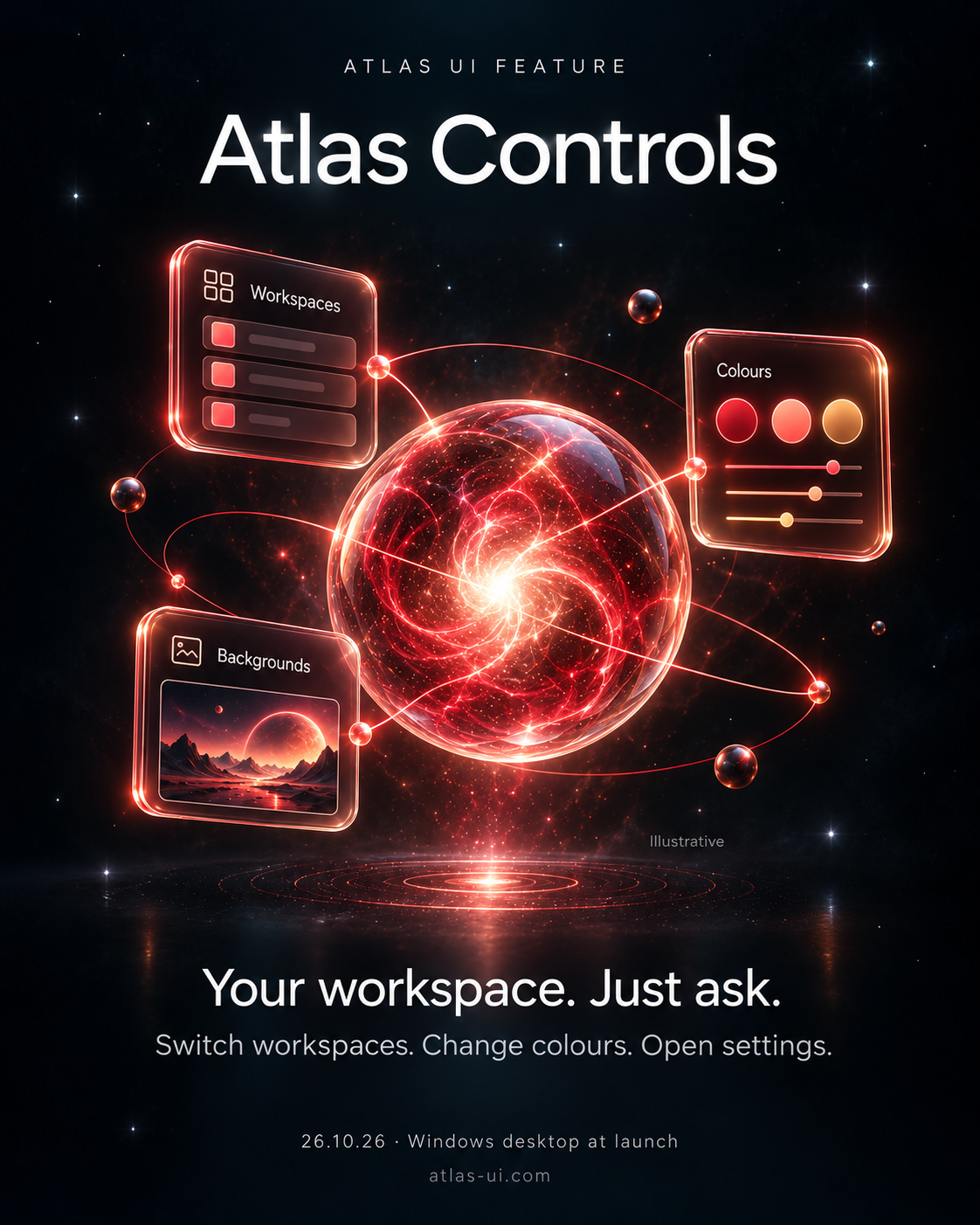 Voice & interface controls
Switch workspaces, change supported colours, open panels or position Inspector by voice or text. Your dark interface colour carries through panels, Brain and Website Studio.
“Switch to Personal Life and make the interface dark green.”
Voice uses an optional ElevenLabs connection. Typing works too.
 Wisp
Keep your conversation close while you work. Wisp can help find workspace material, revise a draft or make a specific change in Brain and Website Studio.
“Show me the notes from our last conversation.”
Available actions depend on your connected AI and tools.
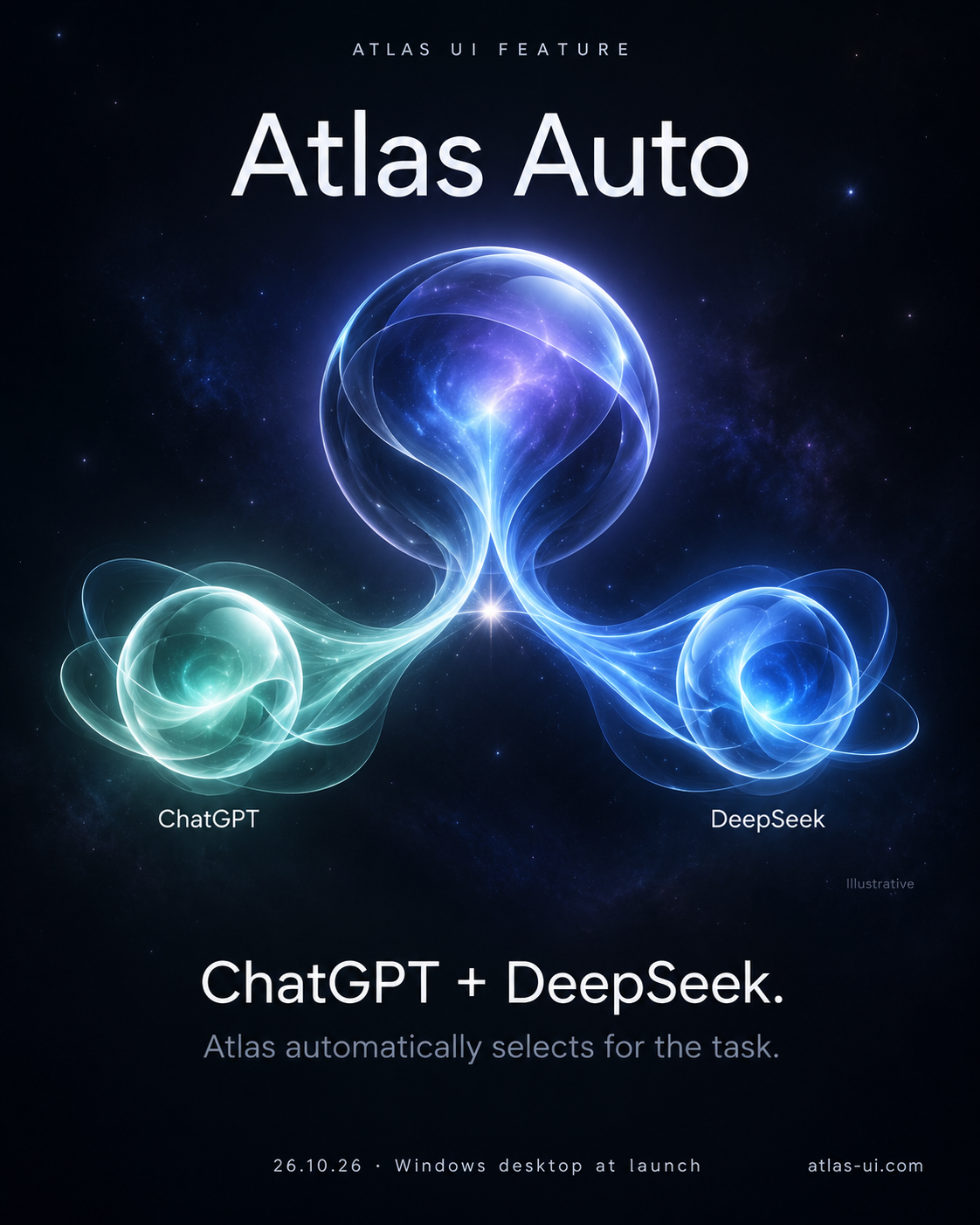 Atlas Auto
Let Atlas Auto choose a supported route from your available connections, or select a model yourself. Start with ChatGPT or DeepSeek; connect both for more options.
A quick sentence edit or a more involved project—choose the help you need.
Auto works with your access and limits; it does not unlock missing services.
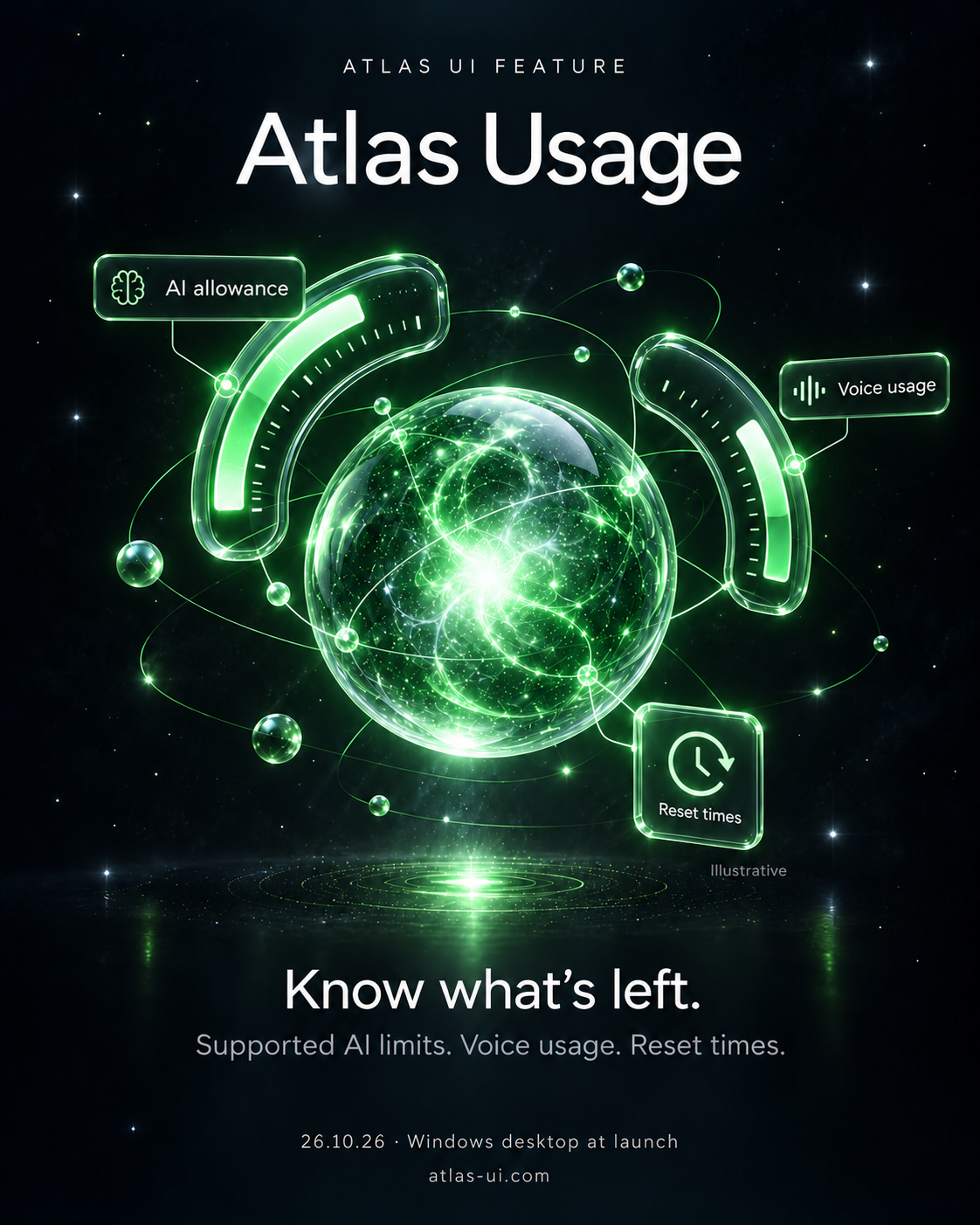 Usage
See the usage reported for individual prompts and providers, alongside available voice usage and reset information. Keep track of which connection handled the work.
One place to understand the AI behind your requests.
Detail varies by provider. Estimates do not replace your provider’s bill.
 Tasks & reminders
Keep your to-dos and reminders close. Save a task with its context and what finished should look like, then choose “Let’s Start” to pick it up in a conversation.
“Remind me tomorrow to finish my presentation.”
Reminders run on your computer. Missed alerts appear when Atlas reopens; a reminder does not perform the task for you.
 Gallery
Find your saved images, videos, documents and Inspector snippets together. Reopen an output, download the available files or return to the folder where your work is saved.
Your ideas, drafts and finished work—ready to come back to.
Image and video generation require a connected tool that supports them.
 Website StudioBeta
Build and preview static HTML websites with ChatGPT or DeepSeek, complete with images and styling. Ask Wisp for specific revisions and export your files through Gallery.
With GPT connected, polish and revise with an available Sol or Astra model.
Beta feature: review generated designs and code. Public hosting, client-review links and a production website backend are not included.
04YOUR INTELLIGENCE, CONNECTED
Use ChatGPT, DeepSeek or both. Atlas Auto works with the connections you have.
 ChatGPT
Sign in for the models and tools available to your account. Connect any extra apps in ChatGPT.
 DeepSeek
Add your API key for conversations, Atlas’s native tools and static Website Studio previews.
An included guided tour introduces the interface, followed by a setup checklist to help you connect everything.
UP NEXT · STYLE GALLERY
Try your colours. Find your atmosphere. See how personal Atlas can be.